Sample Images
Image Preview
Generating your image...
This may take up to 30 seconds
How It Works
Upload your images
Add one or more PNG, JPG, or WebP files up to 10MB each.
Describe your edit
Choose a model, aspect ratio, and resolution, then write a prompt for the change you want.
Generate and download
Review the result in the preview, then download or keep editing.
Key Features of AI Image Editor
High-fidelity detail & resolution
Produces sharp structure, stable color, and print-ready output—well suited to 2K/4K-class workflows where clarity and fine texture matter.
Stronger text inside images
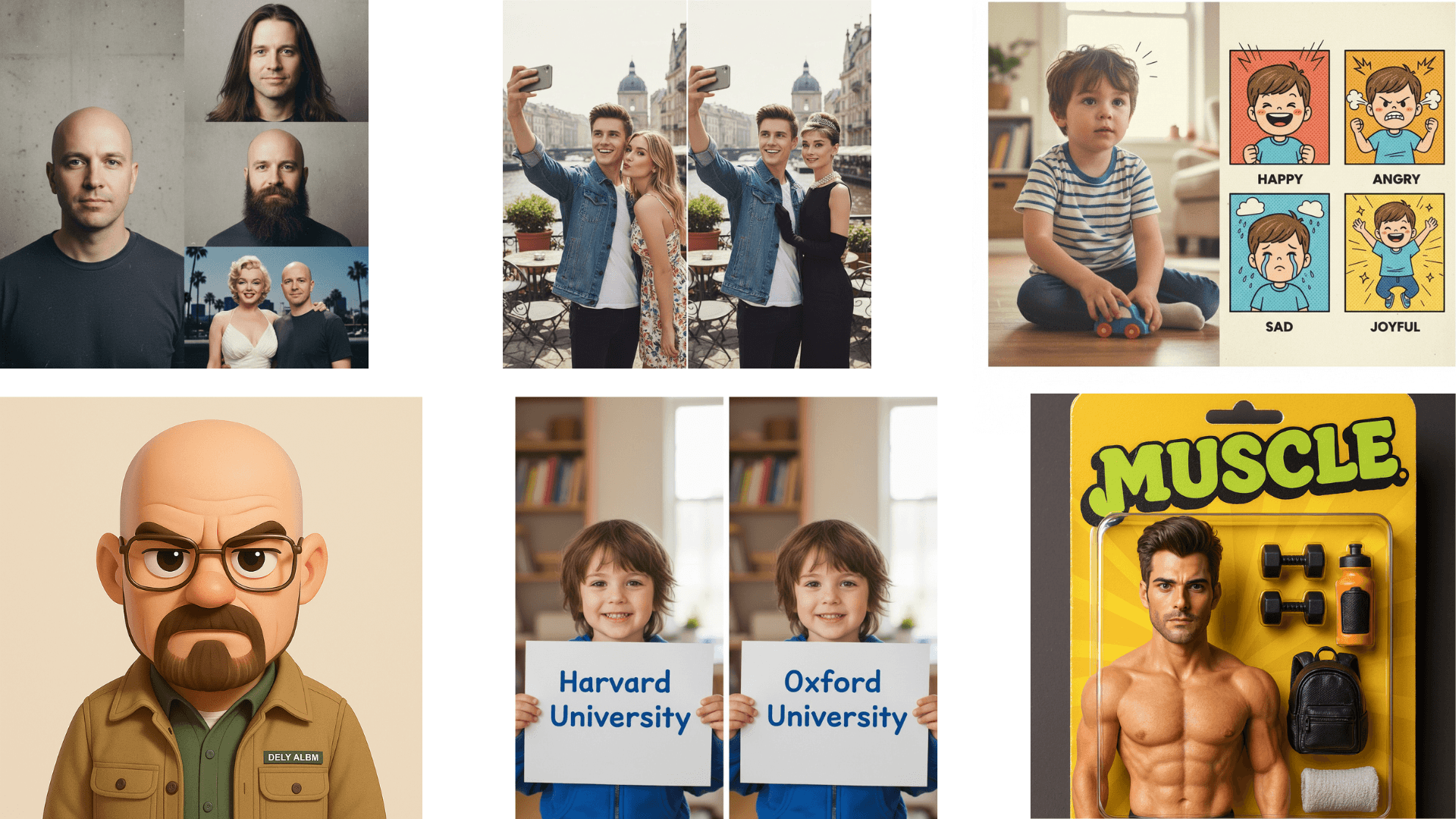
Improved multilingual lettering for posters, packaging, slides, and UI-style layouts—useful when your edit must include readable headlines or labels.
Multi-reference consistency
Works well with several reference uploads—helping keep characters, products, or style cues aligned across the edit instead of drifting between generations.
Studio-style creative control
Responds to direction on lighting, composition, framing, and camera feel—so prompts can steer mood and shot design, not just the subject.
Grounded, context-aware visuals
Backed by Gemini’s world knowledge—handy for diagrams, explainers, and scenes that should look plausible and information-rich, not only decorative.
Instruction-following edits
Tuned for detailed prompts—combine subject edits, style transfer, and layout tweaks in one request when you describe the outcome clearly.