Sample Images
Image Preview
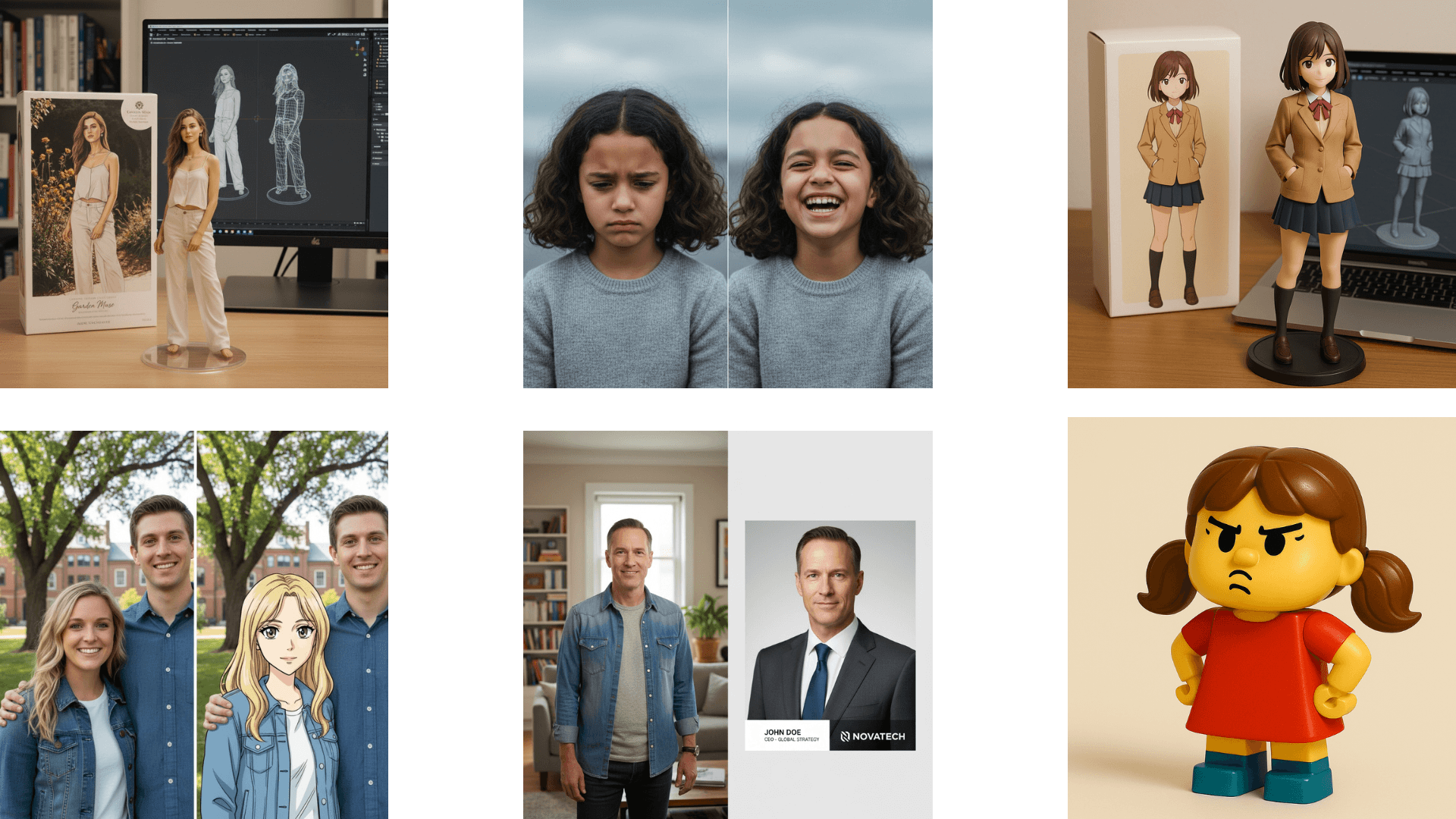
How It Works
Choose mode & model
Switch between Text to Image and Image to Image, then pick Nano Banana 2 or Nano Banana Pro.
Set prompt & output
Write your prompt, choose aspect ratio and resolution, and add reference images when using Image to Image.
Generate & download
Review the result in the preview, download your image, or use Edit to continue in Image to Image mode with a new prompt.
Key Features of Nano Banana 2
Pro-grade intelligence at Flash speed
Built for rapid generation and editing: Google positions it as bringing strong reasoning and quality closer to Nano Banana Pro, while staying fast enough for tight creative loops.
World knowledge & search-aware rendering
Google describes grounding in Gemini’s real-world knowledge, with real-time information and images from web search to render specific subjects more accurately—helpful for infographics, turning notes into diagrams, and data visualizations.
Precision text & in-image translation
Designed for accurate, legible in-image text (e.g. marketing mockups or cards). Google also highlights translating and localizing text inside an image for global-ready creatives.
Subject & object consistency
Google reports stronger identity preservation: up to five characters and up to fourteen objects in a single workflow—useful for storyboards and multi-shot narratives without drifting looks.
Precise instruction following
Google emphasizes stricter adherence to complex prompts—capturing nuances so outputs align more closely with what you asked for.
Production-ready specs & visual fidelity
Google notes flexible aspect ratios and output from 512px through 4K for different deliverables, plus upgraded photorealism—vibrant lighting, richer textures, and sharper detail while staying fast.