AI Video Generator

Turn text, images, video and audio into cinematic clips — with the world's leading video models in one place.


Optional
Optional
0/5000
Auto-generate audio is on

Everything you need to make AI video

Generate from scratch, direct with references, remix existing footage and pick the model that fits each shot.

Direct with references, not just words

Mix text with reference images, video clips and audio, then point at them in your prompt with @ — keep the character from @Image1, borrow the camera move from @Video1, sync to the beat of @Audio1. The model carries over identity, style, composition, motion and sound, so the result looks the way you pictured it.

Edit and remix existing footage

Upload a clip as a reference and describe the change: swap the main subject, add or remove objects, restyle a scene or relight it — while the original motion and framing stay intact.

Longer shots, smoother stories

Generate single shots of up to 30 seconds with Seedance 2.5 and Wan 3.0, with consistent characters, lighting and motion from the first frame to the last — enough for a full scene, not just a moment.

Every way to start a video

Whatever you have — an idea, a photo, or a start and end frame — there is a mode for it, with full control over the output.

  • Text‑to‑video from a single prompt
  • Image‑to‑video from a start frame
  • Start‑ and end‑frame transitions
  • Choose aspect ratio, length (up to 30s), resolution (up to 4K) and whether to generate sound

Made with VGE AI

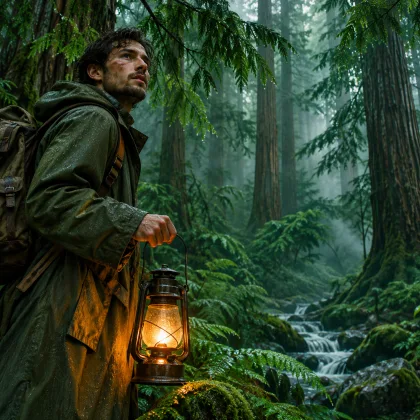
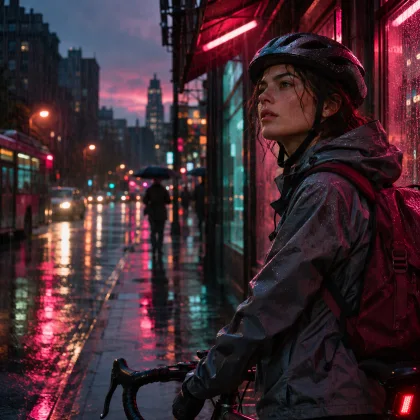
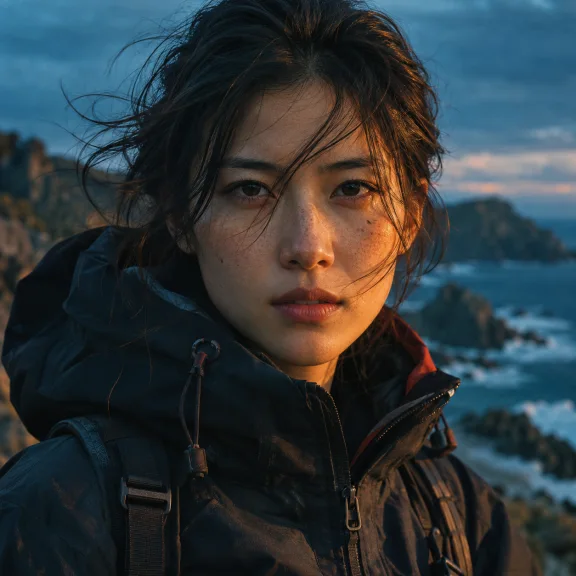
A few of the clips creators have made with our AI video generator.

FAQ

Frequently Asked Questions

Everything you need to know about creating AI videos on VGE AI. Can't find the answer? Email [email protected].

What is the VGE AI video generator?
It is an online tool that turns text, images, video and audio into short cinematic videos. It brings together leading models — ByteDance Seedance, Alibaba Wan and MiniMax H3 — so you can switch between them in one place, with one account and one credit balance.
Which video models can I use?
Seedance 2.5, Seedance 2.0, Seedance 2.0 Fast and Seedance 2.0 Mini; Wan 3.0 and Wan 3.0 Prime; and MiniMax H3 (text, image and reference to video). Each model has its own resolutions, lengths and per-second price — see the credit pricing for every model.
Which model should I choose?
Start with Seedance 2.0 Mini to try ideas cheaply, or Seedance 2.0 Fast when you want quick results. Choose Seedance 2.5 or Wan 3.0 for longer shots of up to 30 seconds and the richest references, Seedance 2.0 for output up to 4K, and MiniMax H3 for 2K clips. The model menu shows each model's top resolution, length range and starting price.
Can I try it for free?
Yes. New accounts get free credits when they sign in, and Seedance 2.0 Mini is marked as the free-trial model. Paid plans and credit packs give you more credits, higher resolutions and longer videos.
What can I upload as a reference?
Images (JPEG, PNG, WEBP, GIF), videos (MP4, MOV) and audio (MP3, WAV). How many files you can add, and how long reference clips can be, depends on the model — for example Seedance 2.5 accepts up to 30 images, 10 videos and 10 audio clips. If a file is outside a model's limits, the uploader tells you before you generate.
How long does it take to generate a video?
Most clips finish in a few minutes, depending on the model, length, resolution and queue. You can leave the page — generation continues in the background and the result appears in My Creations.
Can I use the videos commercially?
Videos made on a paid plan can be used commercially. Videos made with free credits are for personal and evaluation use. You are responsible for having the rights to anything you upload as a reference. See our Terms of Service for details.
Do you store or train on my uploads?
Your references and prompts are used only to generate the video you asked for — never to train AI models. You can delete your creations at any time from My Creations.