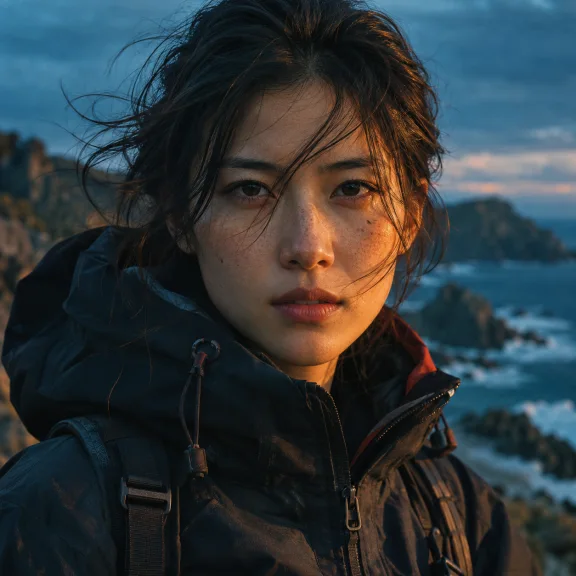
Create, restyle and edit images with the latest image models — all in one place.
Text to image
Describe any scene, character or product and get a polished image back. The models follow long, detailed prompts closely, including lighting, composition and camera style.
Image to image
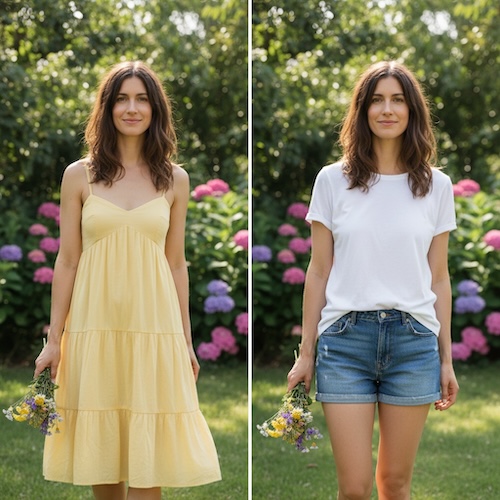
Upload up to 8 reference photos to keep a character, outfit or product consistent, then change the background, style or pose with a single sentence.
Up to 4K output
Pick 1K for quick drafts, then switch to 2K or 4K for print-ready detail. Choose the aspect ratio that fits your post, banner or wallpaper.
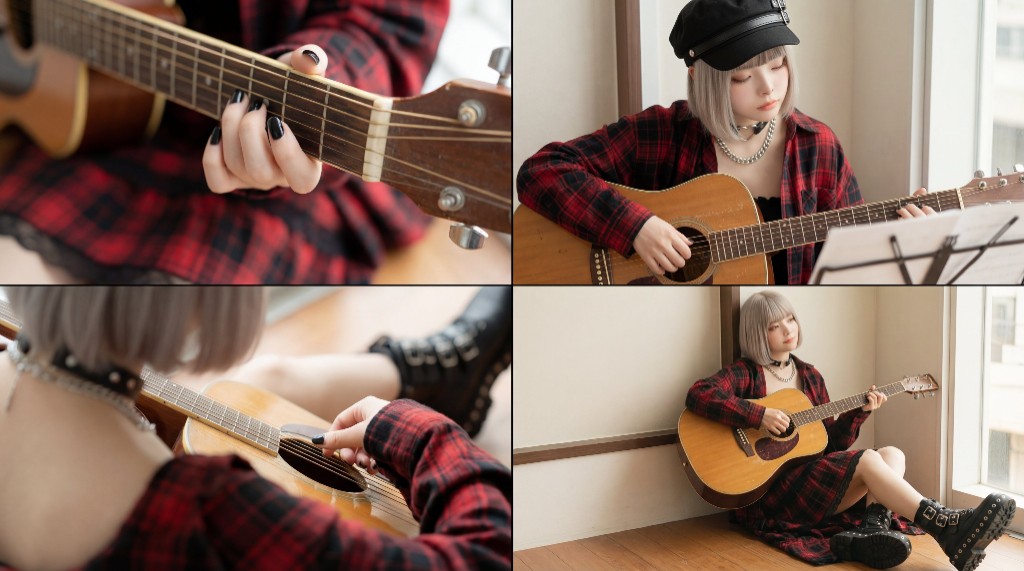
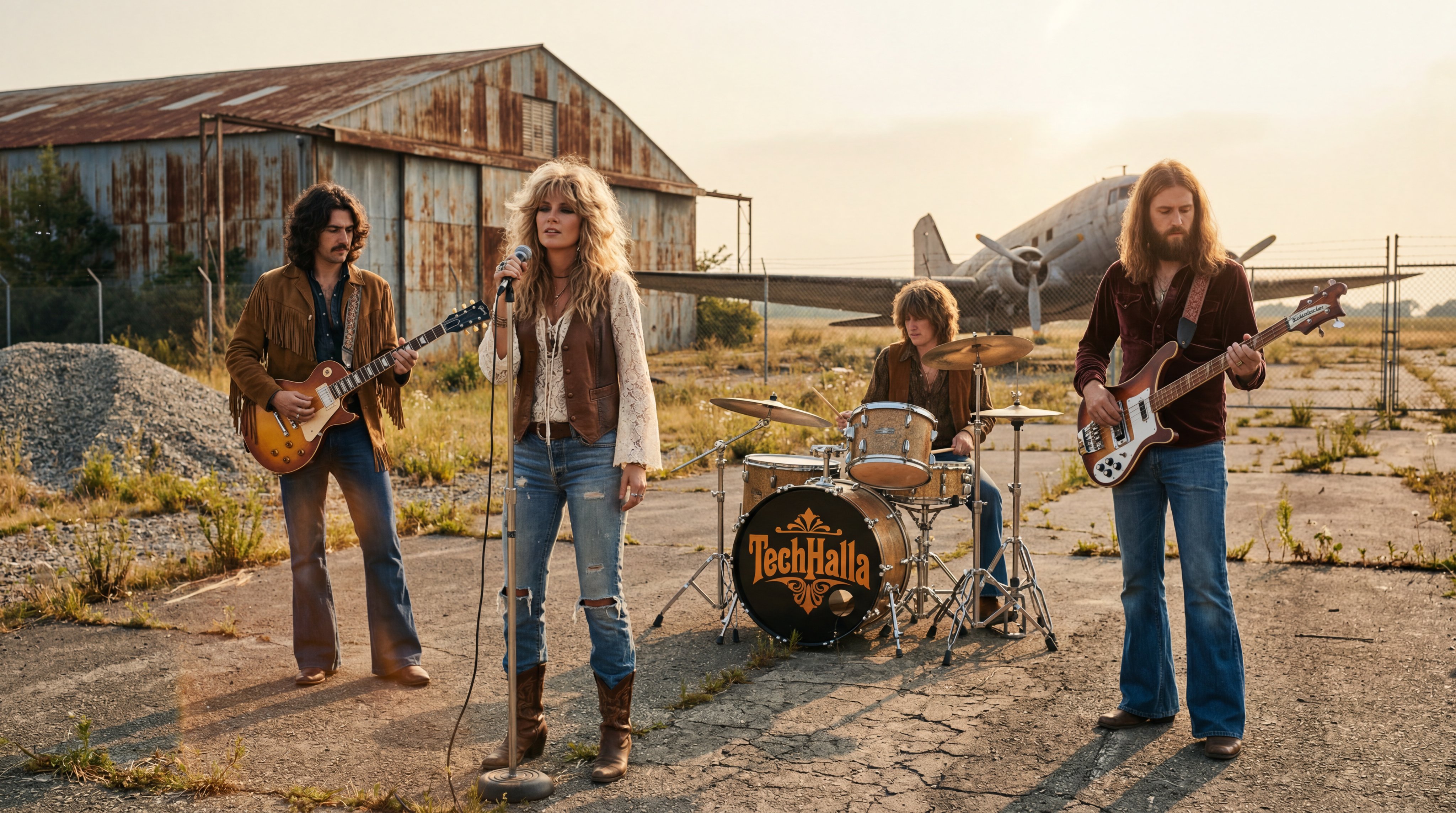
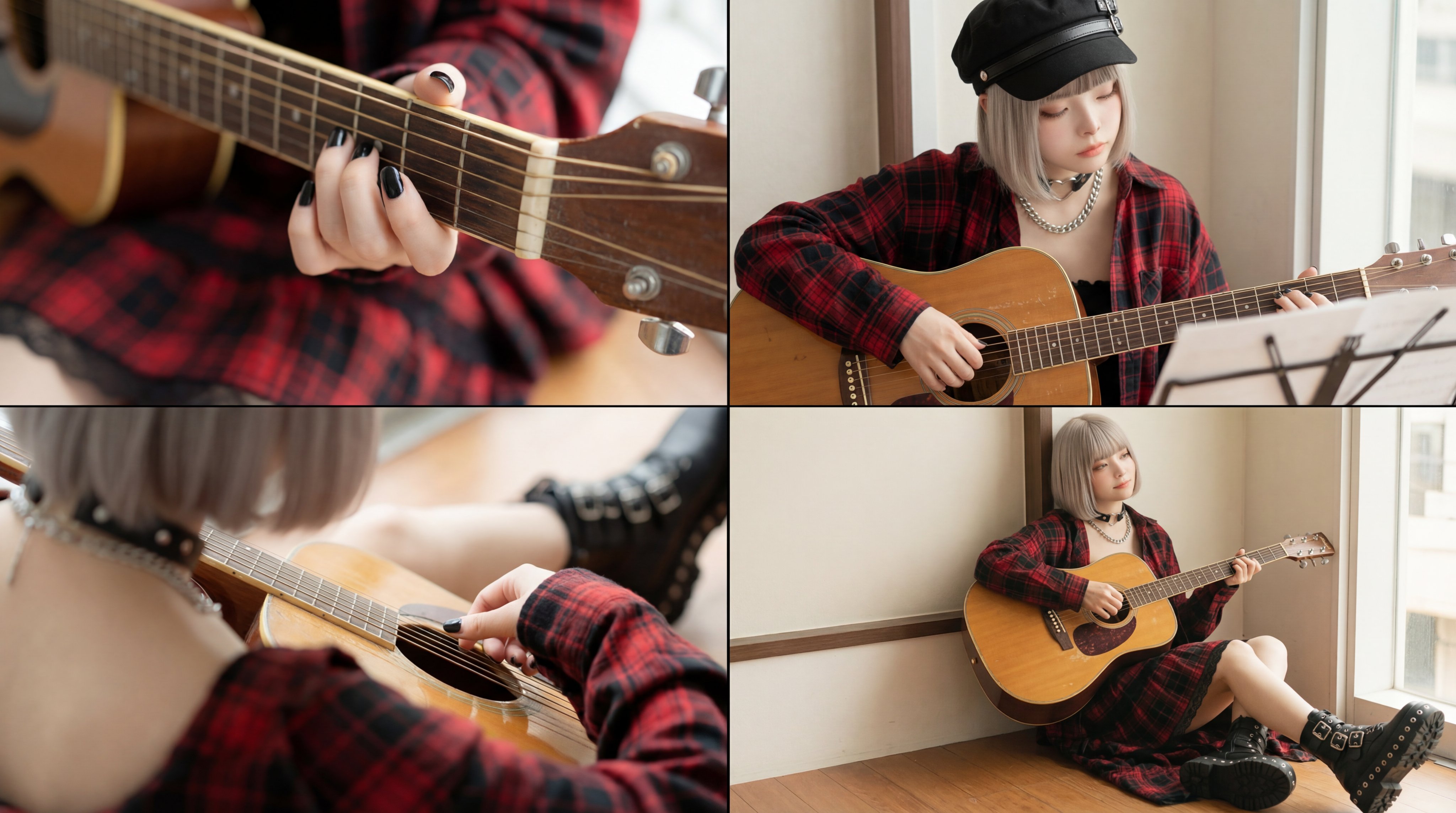
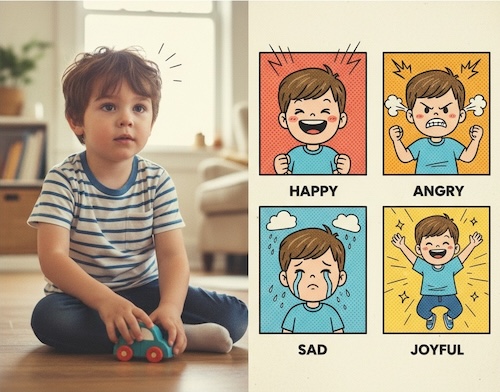
Made with VGE AI
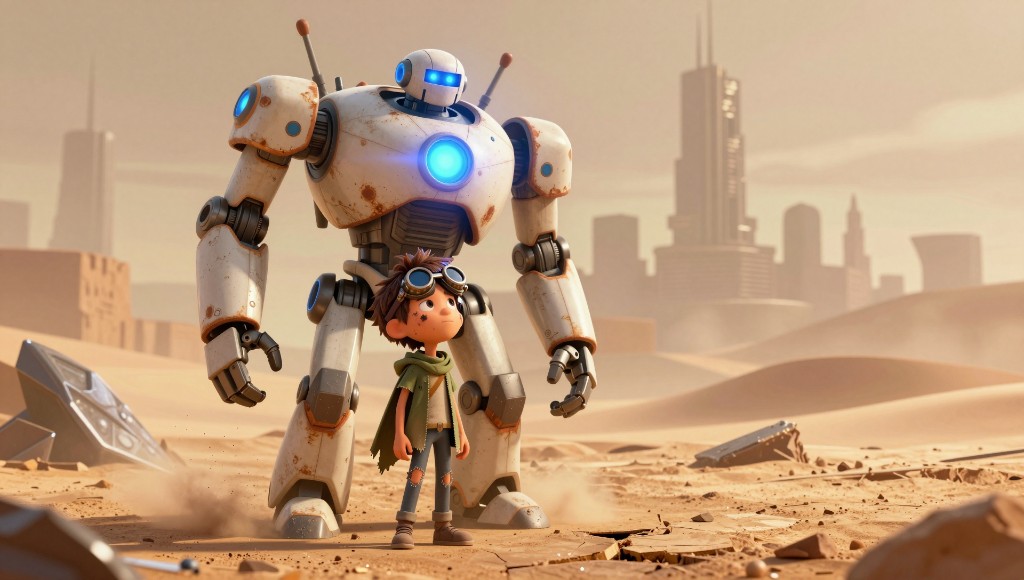
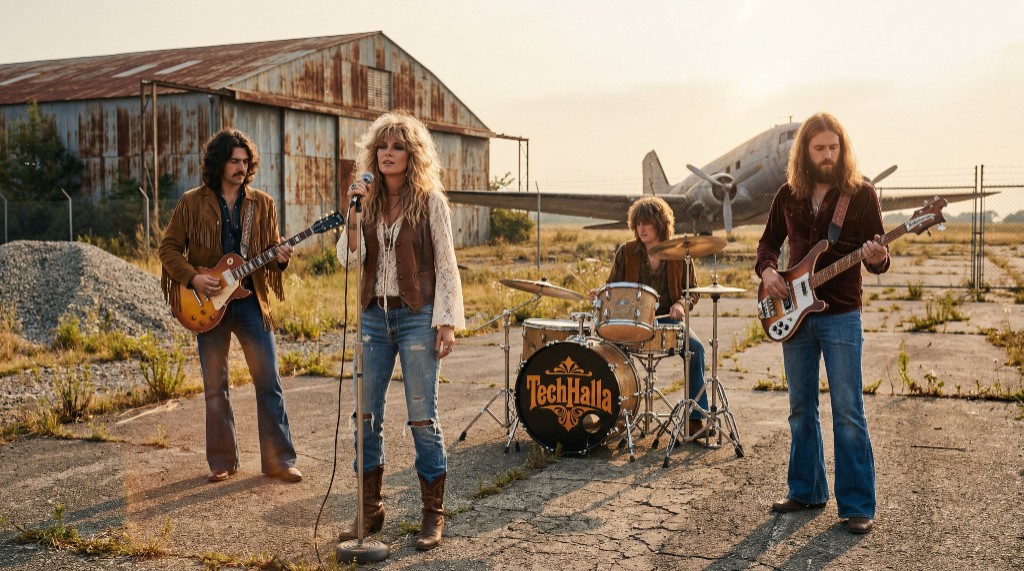
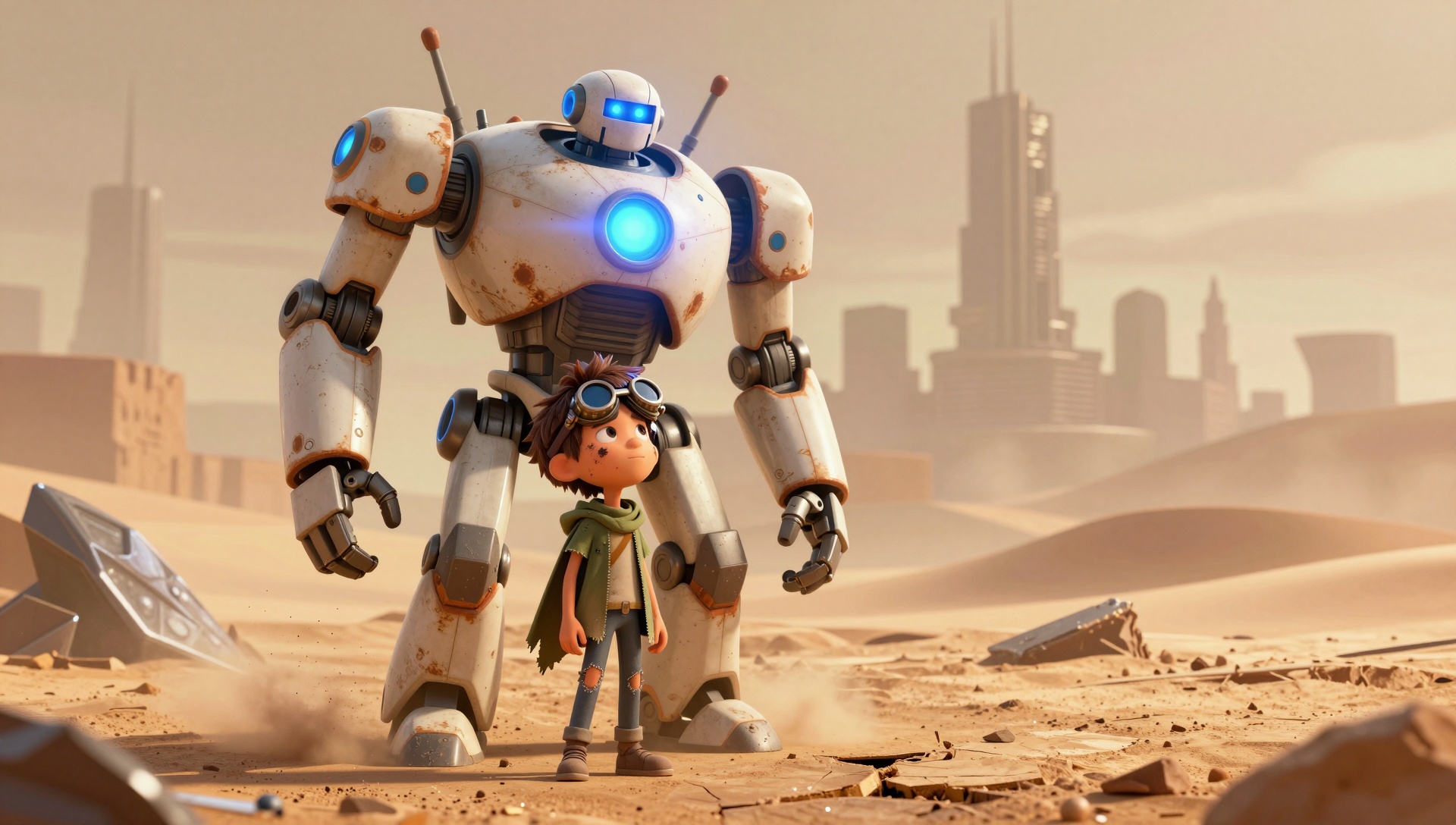
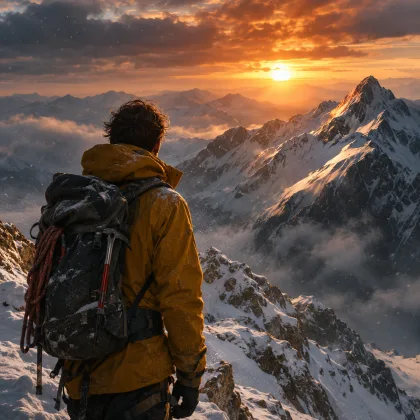
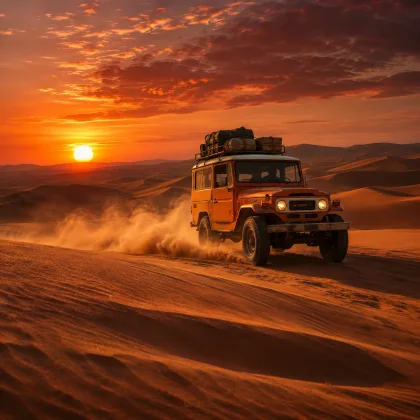
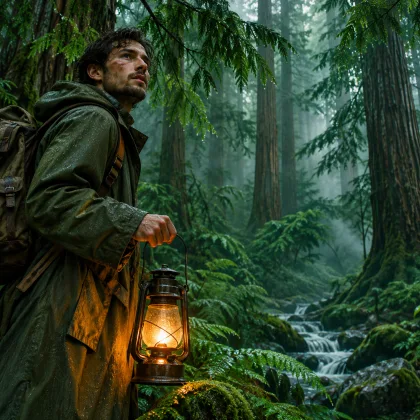
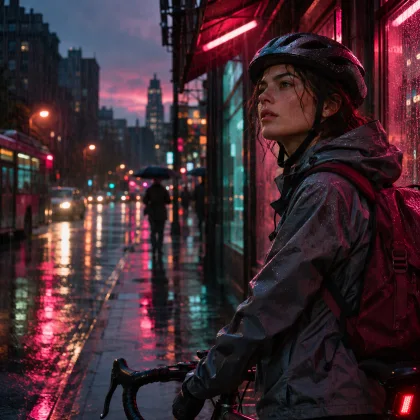
A few images our users created with the AI image generator.
FAQ
Frequently asked questions
Everything you need to know about creating images with the free AI image generator on VGE AI.
What is the VGE AI image generator?
It is a free online AI image generator that turns text prompts and optional reference photos into new images. It runs in your browser with no download or installation, and it is powered by the latest GPT Image and Nano Banana models.
Is the AI image generator free to use?
Yes. Sign in with Google and you get free credits to start generating images right away, no credit card required. When you need more, you can buy credits or upgrade your plan at any time.
Which models can I use?
GPT Image 2.5 Flare, GPT Image 2.5 Sunburst, GPT Image 2, Nano Banana 2 and Nano Banana Pro. Flare is built for speed, Sunburst for precision, and Nano Banana is great at keeping characters and products consistent. Try a few and compare the results.
How many credits does an image cost?
Images start at 2 credits each. The cost depends on the model and resolution, and the exact amount is shown next to the Generate button before you submit. See pricing for details.
Can I generate images from my own photos?
Yes. Upload up to 8 reference images (JPG, PNG or WebP, up to 10 MB each), then describe what you want to change, such as the background, outfit, style or pose. Without a reference, the generator creates images from your text prompt alone.
What resolutions and aspect ratios are supported?
You can choose 1K, 2K or 4K output and the 1:1, 16:9, 9:16, 4:3 or 3:4 aspect ratio, or leave it on Auto. Some models only support certain resolutions for a given ratio; unavailable options are greyed out in the settings panel.
How do I write a good prompt?
Describe the subject first, then add the setting, lighting, style and camera angle, for example “a ceramic coffee mug on a wooden table, soft morning light, product photo, shallow depth of field”. Prompts can be up to 5,000 characters, and the models follow long, detailed descriptions closely.
Can I use the images commercially?
Yes. Images you generate are yours to use, including for commercial projects, as long as your prompt and references do not infringe on anyone else's rights.
Where can I find my past images?
All your generations are saved in My Creations, where you can view, download or delete them.
Prompt
Delete this image?
This image will be removed from your creations. This cannot be undone.